
Command Your Ship in Tiny Pirate Ship
Overview
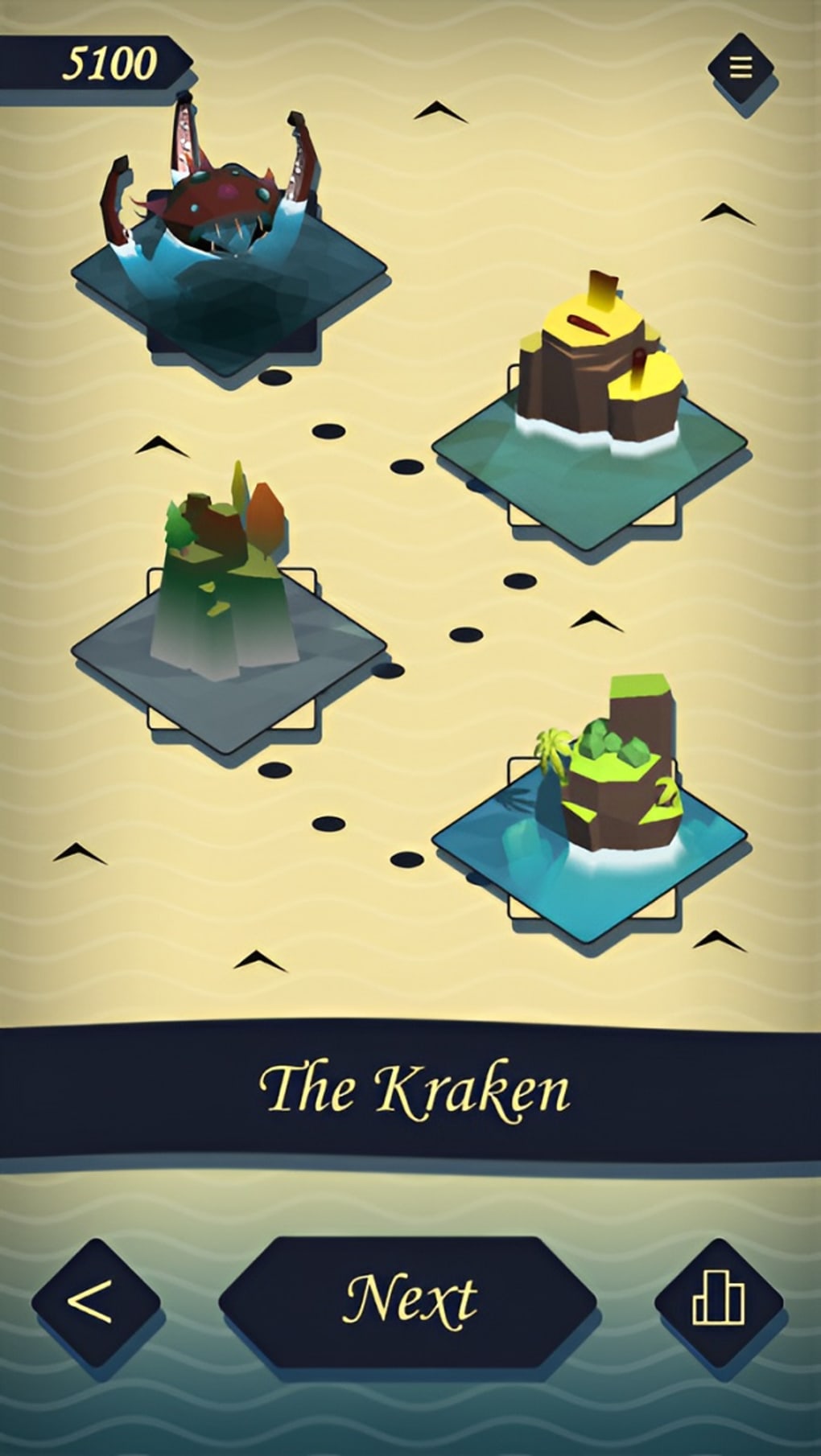
Tiny Pirate Ship is a pay-to-play arcade strategy game developed by Dan-Alexandru Melinte, offering players a fast-paced maritime adventure filled with naval combat, treasure hunts, and exploration. Designed for fans of pirate-themed entertainment, the game places players in the role of a pirate captain commanding a ship and crew across three visually rich oceans. The core experience revolves around engaging in ship-to-ship battles, upgrading vessels, and ultimately confronting the legendary Kraken—a fearsome sea monster central to the game’s climax.
The game’s structure emphasizes strategic maneuvering, resource management, and tactical decision-making, drawing comparisons to titles like Pirate Raid: Caribbean Battle and Pirate Kings. While the gameplay is accessible, the developer did not specify whether the game supports online multiplayer or persistent progression systems. Real-world usage scenarios include casual gaming during short breaks, leisure time on desktop devices, and light strategy engagement for players who enjoy maritime themes.
The game’s compact size and cross-platform availability suggest it is optimized for quick sessions, making it ideal for desktop users seeking immersive yet lightweight entertainment.
Key Features & Capabilities
- Pirate Captain Roleplay: Players assume command of a pirate ship and crew, managing navigation, combat, and upgrades to progress through the game’s narrative.
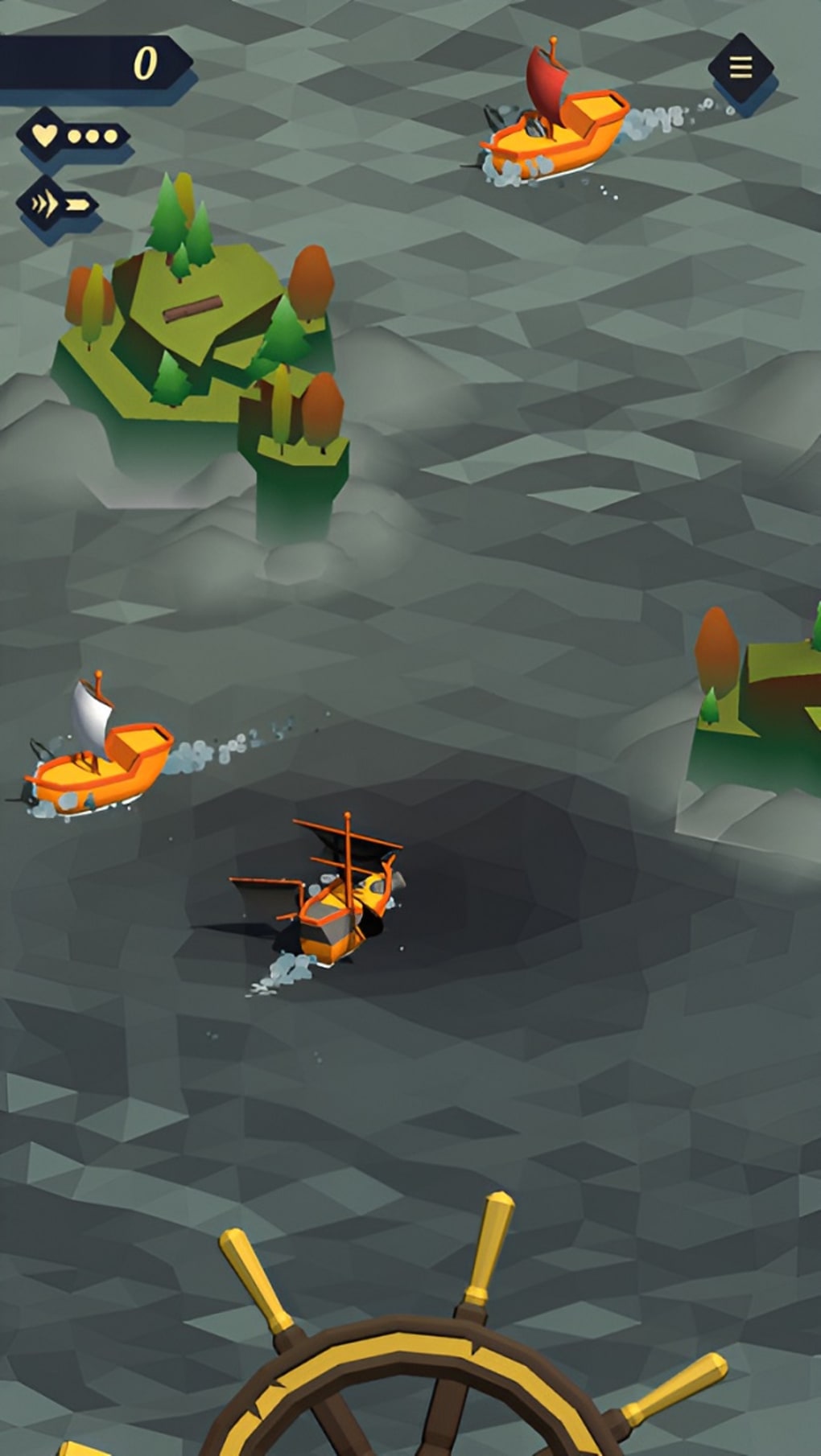
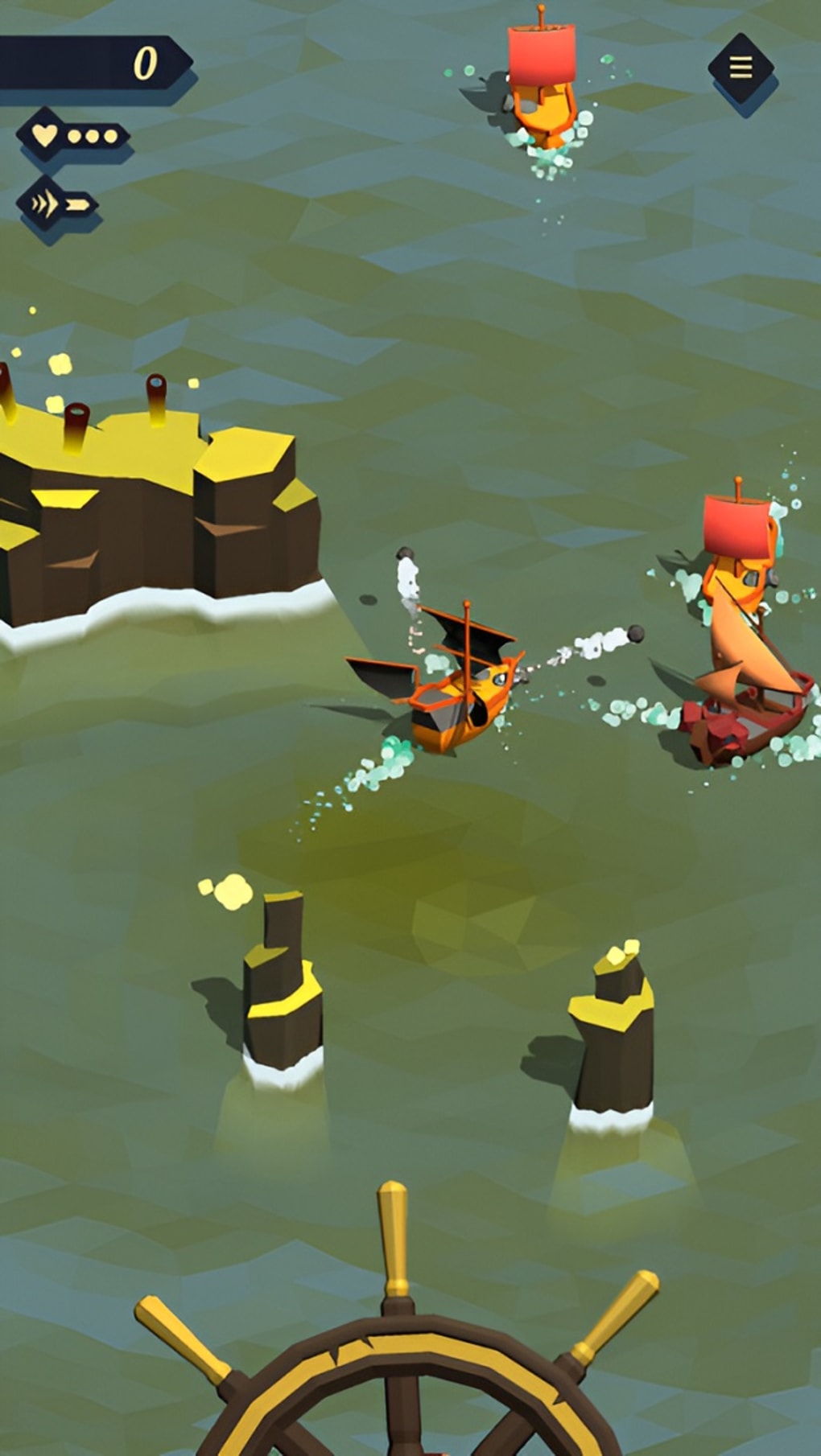
- Strategic Ship Combat: Engage in dynamic naval battles requiring precise maneuvering and tactical planning to outwit rival pirate vessels.
- Upgrade System: Enhance ship performance, weaponry, and defenses using points earned through gameplay, allowing for personalized vessel customization.
- Three Ocean Environments: Explore distinct visually rendered oceans, each offering unique settings and challenges across the game’s progression.
- Kraken Boss Battle: Conquer the game’s ultimate challenge by defeating the colossal Kraken, requiring mastery of all acquired skills and resources.
- Intuitive Controls: Simple, responsive mechanics designed to support smooth navigation and combat execution, ideal for casual players.
These features combine to deliver a streamlined yet engaging pirate adventure. For example, upgrading weapons mid-game enables players to counter stronger enemy ships, while navigating different ocean zones introduces varied environmental conditions that affect gameplay. The upgrade system encourages repeated playthroughs to optimize ship configurations, and the final Kraken encounter serves as a high-stakes culmination of all prior efforts. The game’s design suggests a focus on progression and personal achievement, making it suitable for players who enjoy incremental rewards and visual feedback.
User Interface, Workflow & Performance
The user interface of Tiny Pirate Ship appears to be structured around core gameplay elements: ship control, combat interface, upgrade menu, and map navigation. Navigation is likely streamlined through a central dashboard or in-game menu system, enabling quick access to ship status, inventory, and objectives. The workflow follows a linear progression from initial sea exploration to escalating combat encounters and final boss confrontation.
Based on the game’s description, the interface is designed for ease of use, with intuitive controls that minimize learning curves. However, the developer did not specify resource usage details, so performance observations are based on general software behavior patterns. The game’s 55 MB file size suggests minimal system demands, and its availability on both Windows and Mac platforms indicates broad compatibility.
Stability and CPU/RAM behavior were not disclosed, but the lightweight nature of the file size implies efficient resource handling. No mention was made of frame rate drops, loading times, or background processes, so users should expect consistent performance under typical desktop conditions.
Compatibility & System Requirements
Tiny Pirate Ship is available for both Windows and Mac operating systems, with version 1.0.0 released on May 15, 2024. The installation size is 55 MB, indicating a lightweight desktop application. The developer did not provide additional system requirements, so exact hardware specifications such as RAM, processor, or graphics capabilities remain unspecified.
Compatibility information was partially provided, and users should verify their system’s ability to run the game based on standard desktop environments. No mention was made of GPU requirements or specific OS versions beyond the general platforms. The game’s cross-platform availability suggests it is designed to function on a wide range of modern desktop machines, but users are advised to consult official sources for updated compatibility details.
For those seeking a portable, easy-to-install game, the small file size and broad OS support present a favorable foundation.
Pros and Cons
Pros
- Lightweight installation at just 55 MB
- Available for both Windows and Mac users
- Intuitive controls suitable for casual players
- Engaging pirate-themed strategy gameplay
- Three distinct ocean environments for varied exploration
- Progressive upgrade system with tangible rewards
Cons
- Developer did not specify system requirements
- Exact performance metrics were not provided
- Gameplay may become repetitive over extended play
- Limited information on online features or multiplayer
- Price is listed as free, but in-game purchases may be available
FAQ Section
Is Tiny Pirate Ship available for Windows and Mac?
Yes, the game is compatible with both Windows and Mac operating systems, as stated in the official release details.
Can I play Tiny Pirate Ship offline?
The game does not specify whether it requires an internet connection. However, based on its structure as a single-player arcade strategy game, offline play is likely supported.
Is Tiny Pirate Ship secure to download?
As a desktop application released by Dan-Alexandru Melinte, the game is distributed through official channels. Users should download from verified sources to ensure security and avoid third-party modifications.
Does Tiny Pirate Ship receive regular updates?
The developer has not disclosed an update schedule. However, the initial release version is 1.0.0, suggesting a stable base version with potential future improvements.
What type of license does Tiny Pirate Ship use?
The game is listed as free to download, but the license type was not specified. It may include in-app purchases or premium content, though no details were provided.
Final Thoughts + CTA
Tiny Pirate Ship delivers a compact, visually engaging pirate adventure that combines strategic combat, ship upgrades, and ocean exploration in a lightweight desktop package. Its intuitive controls and accessible gameplay make it ideal for casual players seeking a quick escape into a seafaring world. The game’s progression system, culminating in a battle against the Kraken, provides a satisfying sense of achievement.
While detailed performance data and system requirements are not available, the small file size and cross-platform support suggest broad accessibility. For fans of pirate-themed strategy games who enjoy short, immersive sessions, Tiny Pirate Ship offers a compelling experience. The combination of simple mechanics and thematic depth makes it a solid choice for desktop entertainment.
Download Tiny Pirate Ship now.







